 Skip to main content

Have you ever wondered why your printer seems to act up after sitting unused for a while? Maybe it prints blurry pages or won’t print at all.
The truth is, printers actually need regular use to stay in good shape. When left idle, especially for long periods, they can suffer from dried ink, clogged nozzles, and other issues that can be frustrating—and costly—to fix. You’ll discover exactly why keeping your printer active matters and what really happens when it’s left untouched.
Understanding this can save you time, money, and headaches, so keep reading to learn how to keep your printer running smoothly.
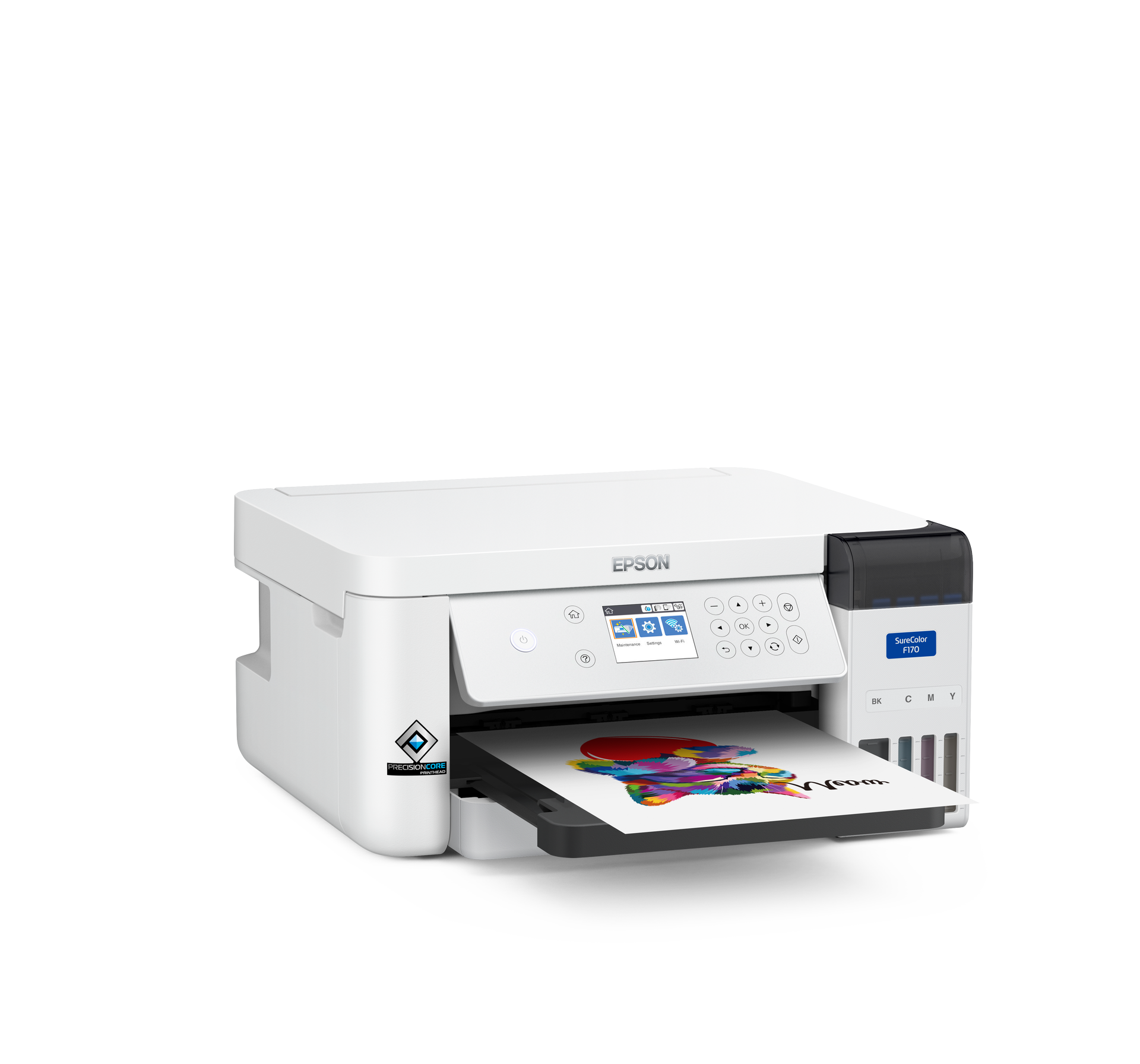
Credit: news.epson.com
Why Regular Use Matters
Printers need regular use to stay in good working condition. Without frequent printing, problems can develop that affect print quality and the printer’s lifespan. Using your printer often keeps its parts active and prevents common issues that come from sitting idle.
Ink Drying And Clogging
Inkjet printers rely on liquid ink that can dry quickly. When a printer sits unused, the ink inside the nozzles can dry out. This drying causes clogging that blocks ink flow. Clogged nozzles lead to streaky or faded prints. Regular printing helps keep ink moving and prevents it from drying.
Printhead Maintenance
The printhead is the part that sprays ink onto the paper. It needs to be cleaned often to work well. Regular use triggers automatic cleaning cycles in many printers. These cycles flush out old ink and debris. Without use, the printhead can build up dried ink and dirt. This buildup can damage the printhead and reduce print quality.
Preventing Damage
Idle printers face risks beyond ink issues. Moving parts can become stiff or stuck without motion. Rubber seals and rollers may dry out and crack. Regular printing keeps these parts lubricated and flexible. It also helps the printer’s software stay updated and ready. This reduces chances of costly repairs or replacements.
Effects Of Printer Idleness
Printers need regular use to stay in good working condition. Leaving a printer idle for long periods can cause several problems. Dust, dried ink, and mechanical issues may affect print quality and device performance. Understanding the effects of printer idleness helps in maintaining your printer properly.
Inkjet Printer Issues
Inkjet printers face common problems when left unused. Ink in the nozzles can dry and clog, blocking ink flow. This leads to streaky or faded prints. Printheads may require cleaning cycles to clear dried ink. Frequent use keeps ink flowing and prevents blockages. If the printer sits idle too long, the printhead might get damaged. Regular printing helps avoid costly repairs and poor print results.
Laser Printer Considerations
Laser printers do not have ink that dries out, but idleness still affects them. Toner powder can settle or clump inside the cartridge. The printer’s fuser unit may also become less efficient. Keeping the printer on standby allows internal parts to stay warm and ready. Turning off laser printers for very long times can cause warm-up delays and wear. Regular use helps maintain smooth operation and quick response.
Low Ink Level Alerts
Printers monitor ink levels to prevent damage and poor prints. When left idle, low ink alerts might appear inaccurately. Sensors may dry out or lose calibration, causing false warnings. Running the printer regularly helps keep sensors accurate. Timely ink replacement avoids print failures and hardware issues. Paying attention to ink alerts ensures consistent print quality and printer health.
Inkjet Printer Care
Proper care of an inkjet printer is crucial for its performance and longevity. Inkjet printers rely on liquid ink that can dry up quickly when the printer is not used often. This drying can clog the printhead, causing poor print quality or even damage. Regular use and maintenance keep the ink flowing and the printer ready to produce sharp prints.
Understanding how to care for an inkjet printer helps avoid common problems. Simple habits can keep the printer in good shape and save money on repairs or replacements. Below are key practices that support inkjet printer care.
Sleep Mode Benefits
Sleep mode keeps the printer powered on but in a low-energy state. This mode allows the printer to run small cleaning tasks automatically. These tasks prevent ink from drying inside the nozzles.
Leaving the printer in sleep mode is better than turning it off completely after every use. It helps maintain the ink flow and keeps the printer ready for quick printing. Sleep mode also saves electricity compared to full power.
Cleaning Cycles Importance
Inkjet printers have built-in cleaning cycles to clear dried ink from the printhead. Running these cycles regularly stops clogs from forming. Clogged nozzles cause streaks and faded prints.
Cleaning cycles use a small amount of ink but protect the printer’s parts. Skipping cleaning cycles can lead to costly repairs or the need for a new printer. Most printers allow you to start cleaning cycles manually if prints look poor.
Best Shutdown Practices
Always use the printer’s power button to turn it off. Simply unplugging the printer can cause problems with its internal components. The power button allows the printer to complete necessary tasks before shutting down.
Turn off the printer only if you plan to leave it unused for weeks. Otherwise, keep it in sleep mode. If the printer is off for a long time, run a cleaning cycle before printing again.
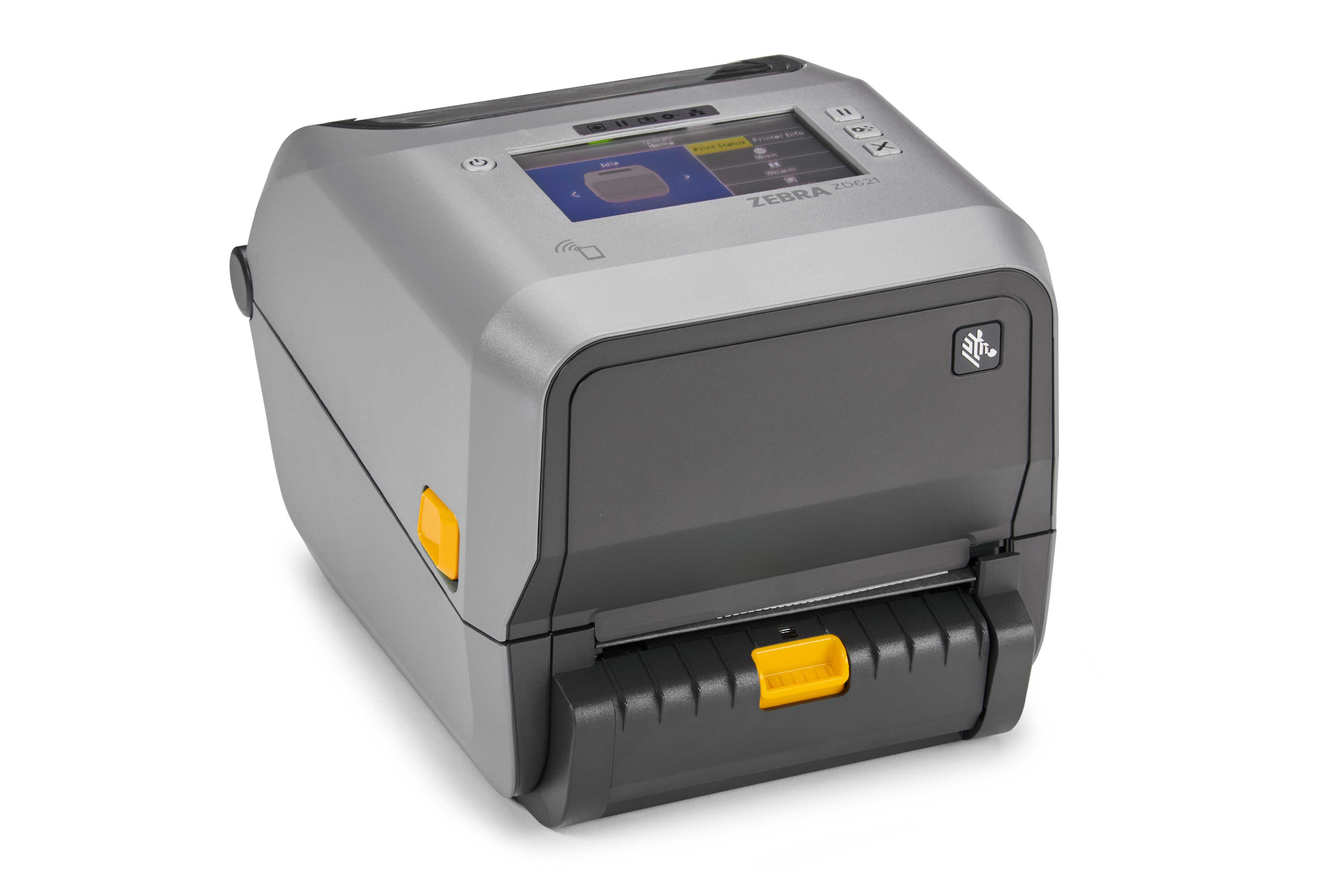
Laser Printer Care
Laser printers need special care to keep working well. Unlike inkjet printers, they do not use liquid ink. They use toner powder and heat to print. This means laser printers handle being idle differently. Regular use and proper care help avoid damage and keep print quality high.
Standby Efficiency
Laser printers use little power in standby mode. They stay ready to print quickly. Leaving the printer on standby saves time. It also reduces wear from frequent power cycles. This mode keeps the internal parts warm. It helps toner flow smoothly for the next print job.
When To Power Off
Turn off the printer if it will be unused for a long time. Long periods without use can dry out the fuser unit. Powering off protects the printer during storms or power surges. Always use the printer’s power button to shut it down. This allows the printer to reset parts safely before powering off.
Protecting Hardware
Keeping the printer clean is important. Dust and debris can cause jams or damage parts. Regularly check and clean the paper path and rollers. Avoid unplugging without powering off first. Sudden power loss can harm electronic components. Proper care extends the printer’s life and keeps prints clear.
Energy And Security Tips
Energy use and security are key concerns with printers that sit idle. Proper habits reduce electricity waste and protect your device from damage or hacking. Small actions help keep your printer ready and safe, saving money and stress.
Using Power Button Correctly
Always use the printer’s power button to turn it off. Pressing the power button lets the printer finish its tasks and save settings. Unplugging without shutdown can harm the printer’s parts and cause errors. Proper shutdown helps the printer reset and stay healthy.
Balancing Power And Functionality
Inkjet printers benefit from staying in sleep mode. This lets them run cleaning cycles and stops ink from drying out. Laser printers use less energy and can stay on standby for days without problems. Turning off the printer during long breaks saves energy but may require extra cleaning on restart.
Handling Extended Absences
For long trips or weeks without use, turn off the printer completely. Unplugging after shutdown protects the printer from power surges and storms. Before shutting down, run a cleaning cycle on inkjets to avoid clogged nozzles. When you return, turn it on and let it warm up properly.
Preventing Ink Nozzle Clogs
Ink nozzle clogs cause poor print quality and damage printers. Regular use helps prevent these clogs. Ink can dry inside the nozzles if the printer sits idle. This drying leads to blockages that stop ink from flowing. Printers need simple care to keep nozzles clear and working well.
Regular Test Prints
Printing a test page often keeps ink moving inside the nozzles. It stops ink from drying out and forming clogs. Even a small print job every week helps. Test prints also show if any nozzles are blocked. This lets you act before big problems start.
Avoiding Ink Dry-out
Ink dries quickly when the printer is not used. Dry ink hardens in the tiny nozzle holes. This blocks ink flow and causes streaks or blank spots. Using the printer regularly keeps ink wet and flowing smoothly. Keeping the printer in a room with moderate humidity also helps slow drying.
Maintenance Routines
Running cleaning cycles clears minor clogs before they worsen. Most printers have built-in cleaning tools for this. Using these tools often keeps nozzles healthy. Replace ink cartridges before they run completely dry to avoid air bubbles. Regular maintenance extends printer life and improves print quality.
Frequently Asked Questions
What Happens If I Don’t Use My Printer For A Long Time?
Not using a printer long-term can dry ink and clog printheads, causing poor quality or damage. Regular use or cleaning prevents this.
How Long Can A Printer Sit Without Being Used?
A printer can sit unused for weeks, but inkjet printheads may clog if idle too long. Use sleep mode or clean before long breaks. Laser printers tolerate longer idle times but turn off during extended absence to save energy and protect hardware.
Should I Leave My Printer On When Not In Use?
Leave inkjet printers on sleep mode to prevent ink drying and clogs. Turn off only if unused for weeks. Laser printers can stay on standby but switch off during long absences or storms. Always use the power button to shut down safely and protect internal components.
What Happens If An Ink Tank Printer Is Not Used For A Long Time?
An ink tank printer left unused may have ink dry and clog the printhead. This causes poor print quality and possible damage. Regular use or cleaning cycles prevent clogging and maintain performance. Turn off the printer for long periods and run a cleaning cycle before reuse.
Conclusion
Printers need regular use to stay in good working order. Long periods of idleness can cause ink to dry and clog nozzles. This leads to poor print quality and possible damage. Using the printer often keeps ink flowing and parts moving.
For inkjet printers, sleep mode helps prevent drying issues. Laser printers handle idle time better but still benefit from occasional use. Turning off printers properly protects internal parts and saves energy. Regular printing or maintenance keeps your device ready and extends its lifespan.
Small efforts prevent big problems later.
