 Skip to main content

Clean printer heads by running your printer’s cleaning cycle or manually using a damp cloth or isopropyl alcohol. For stubborn clogs, consider a specialized cleaning kit or solution.
Ensuring your printer operates smoothly often hinges on the condition of its print heads. A clogged or dirty print head can reduce print quality with streaks or missing colours. Regular maintenance is crucial for the longevity of your printer and the clarity of your prints.
Simple steps can keep your printer in top shape, whether part of a bustling office environment or a vital component of your home office setup. With the right approach, you can quickly resolve most print head issues, maintaining the crisp, professional output that is essential for documents and images.
Consider your printer’s manual for specific instructions, as procedures can vary between models.
Introduction To Printer Maintenance
Keeping a printer in top condition ensures longevity and quality prints. Regular maintenance is critical. One crucial aspect is cleaning printer heads. This task keeps print quality high and prevents clogs.
Why Clean Printer Heads?
Cleaning printer heads is essential for:
Clear prints: It prevents smudges and streaks.
Longevity: It extends your printer’s life.
Performance: It ensures consistent print quality.
Signs Your Printer Heads Need Cleaning
Recognize these signs:
Sign | Meaning |
|---|---|
Faded colours | Some colours appear lighter than intended. |
Missing prints | Sections of text or images are missing. |
Lines in prints | Unwanted lines appear across the page. |
Act promptly when these signs appear to maintain print quality.
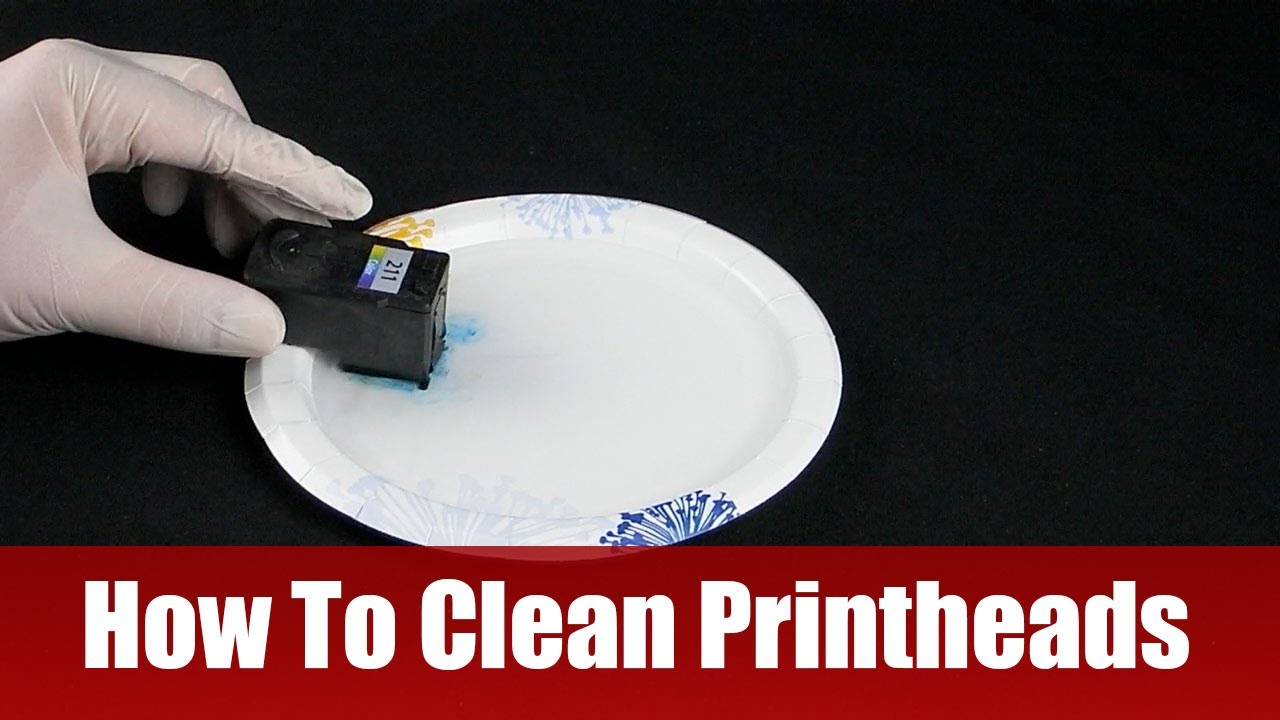
Types Of Printer Heads
Printer heads are crucial components in printing devices. They transfer ink or toner onto paper. Understanding the different types is critical to proper maintenance.
Inkjet Printers
Inkjet printers use nozzles to spray liquid ink.
They often clog from dried ink.
Cleaning involves gentle wiping or software cleaning cycles.
Manual cleaning requires distilled water or cleaning solutions.
Laser Printers
Laser printers feature drum units to fuse toner powder.
These do not clog like inkjet heads.
Regular maintenance includes removing excess toner.
Use soft cloths to avoid scratching the drum.
Preparation For Cleaning
Proper preparation is key before cleaning the printer head. This ensures a smooth and safe cleaning process. Let’s get ready to restore your printer’s health.
Gather Necessary Supplies
Start by collecting these items:
Distilled water – Prevents mineral buildup
Isopropyl alcohol – Dissolves ink clogs
Cotton swabs – For gentle scrubbing
Paper towels – Keeps the area clean
Plastic gloves – Protects your hands
Lint-free cloths – Avoids residue
Safety Precautions
Follow these steps to stay safe:
Turn off your printer to avoid electric shock.
Wear gloves to shield your skin from ink and chemicals.
Work in a well-ventilated space to breathe easily.
Keep alcohol away from open flames; it’s flammable.
Do not force anything inside the printer to prevent damage.

Credit: www.wikihow.com
Manual Cleaning Process
Printer heads gather dust and ink over time, which affects print quality. Manual cleaning helps restore clear prints. Let’s explore this process.
Step-by-step Guide
Power off the printer and unplug it.
Open the printer to access the print head.
Remove the ink cartridges.
Use a soft cloth dampened with water.
Gently wipe the print head’s surface.
Use cotton swabs for tough spots.
Let the print head dry completely.
Reinstall the ink cartridges.
Run the printer’s cleaning cycle.
Common Mistakes To Avoid
Don’t rush the drying process.
Avoid excessive force when cleaning.
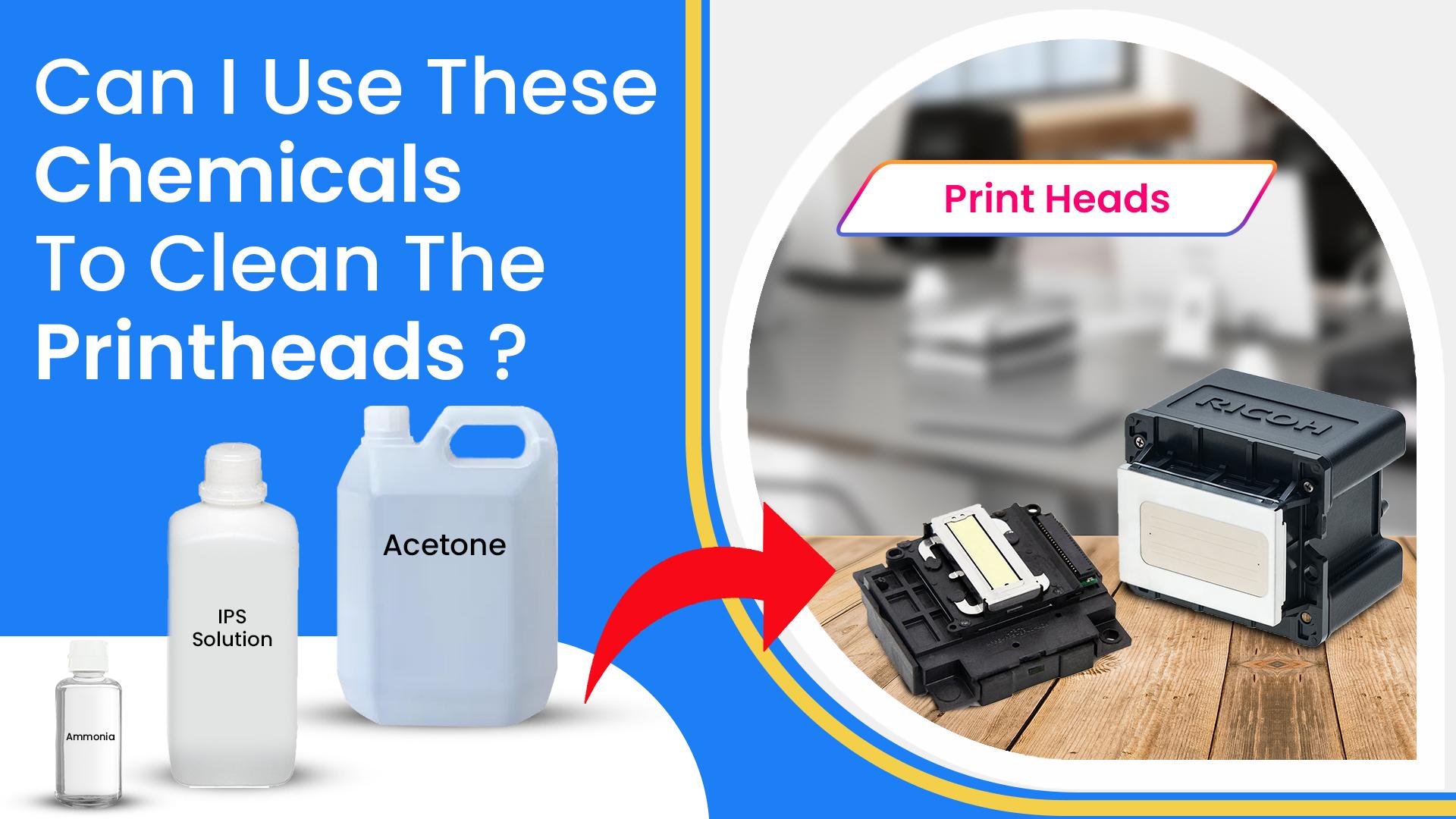
Never use alcohol or harsh chemicals.
Don’t touch the nozzle plate.
Ensure all parts are dry before reassembly.
Using Printer’s Built-in Cleaning Function
Printer maintenance is crucial for optimal performance. A common issue is clogged printer heads. Fortunately, modern printers have a built-in cleaning function. This feature simplifies maintenance by cleaning the printer heads efficiently.
How To Access
Accessing your printer’s cleaning function is straightforward:
Please turn on your printer and ensure it’s ready.
Navigate to the printer’s settings menu.
Select the ‘Maintenance’ or ‘Tools’ option.
Choose ‘Clean Print Heads’ or a similar command.
Some printers may require pressing and holding specific buttons for a few seconds.
When To Use This Method
Use the built-in cleaning function in these situations:
Print quality declines, showing streaks or faded areas.
After changing cartridges, to ensure smooth ink flow.
If the printer hasn’t been used for an extended period.
Remember, this function consumes some ink. So, use it when necessary.
Credit: splash-jet-ink.com
Professional Cleaning Solutions
Ensuring your printer operates smoothly often involves regular maintenance. Cleaning printer heads is crucial for print quality. Sometimes, home methods are not enough. Professional cleaning solutions may be the answer.
When To Consider
Knowing when to seek professional help is critical. Look for these signs:
Persistent poor print quality even after manual cleaning
Frequent clogs that DIY methods can’t resolve
High-end printers that require expert care
Finding A Service
Choose the exemplary service for your printer. Consider these steps:
Research reputable companies with good reviews
Ensure they specialize in your printer’s brand
Compare service costs and customer feedback
After Cleaning Care
Congratulations on successfully cleaning your printer heads! Proper aftercare ensures optimal performance and longevity. Let’s dive into the post-cleaning steps to keep your printer in top condition.
Testing The Printer
Begin with a test print to check the cleaning results. Select a document with varied colours and patterns. This highlights any remaining issues with the print heads. Look for clear, streak-free text and images. If problems persist, consider a second cleaning cycle.
Maintenance Tips
To maintain clean printer heads, follow these tips:
Use your printer regularly: Prevents ink from drying and clogging.
Turn off correctly: Reduces the risk of head clogging.
Store ink cartridges properly: Keeps them from drying out.
Avoid cheap inks: High-quality inks prevent clogging.
Clean periodically: Schedule regular cleanings to avoid buildup.
Stick to these maintenance tips for a trouble-free printing experience.
Troubleshooting Common Issues
Troubleshooting printer head issues can be frustrating. Yet, it’s essential for precise prints. Let’s tackle common problems and solutions.
Unclogging Stubborn Heads
Unclogging printer heads requires patience. Follow these steps:
Please turn off your printer and unplug it.
Remove the ink cartridges gently.
Use a soft, lint-free cloth dampened with water or isopropyl alcohol.
Gently wipe the surface of the print head.
Use a dry cloth to remove any excess moisture.
Reinstall the ink cartridges and run the printer’s cleaning cycle.
For persistent clogs, consider a print head cleaning kit. These kits often provide better results.
When To Replace Printer Heads
Knowing when to replace printer heads saves time and money.
Look for these signs:
Sign | Action |
|---|---|
Streaky or faded prints | Clean heads. If the issue persists, replace it. |
Error messages | Consult manual. Replace the head if needed. |
Consistent print issues | After troubleshooting, consider replacement. |
A new printer head restores print quality. Ensure compatibility before purchasing.
Frequently Asked Questions
Why Do Printer Heads Need Cleaning?
Printer heads need cleaning to prevent clogs, ensure high-quality prints, and extend the printer’s lifespan. Regular maintenance removes ink residue that can cause streaks or faded areas in printed documents and photos.
What Are The Signs Of A Dirty Printer Head?
Signs include streaky, missing, or faded prints. You may also notice colour inconsistencies or lines across your printed documents, indicating it’s time for a cleaning.
Can I Clean Printer Heads Manually?
You can manually clean printer heads using distilled water or a printer head cleaning solution with a lint-free cloth. However, follow the manufacturer’s instructions carefully to avoid damaging the printer head.
How Often Should I Clean My Printer Head?
Cleaning frequency depends on printer usage. For moderate use, clean the printer head every few months. Clean it for heavy use or if you notice print quality issues more frequently.
Conclusion
Ensuring your printer heads stay clean is crucial for optimal performance. This guide aimed to demystify the process, offering easy steps to follow. Regular maintenance extends your printer’s lifespan and guarantees high-quality prints. Remember, a little care goes a long way in keeping your printing tasks running smoothly.
